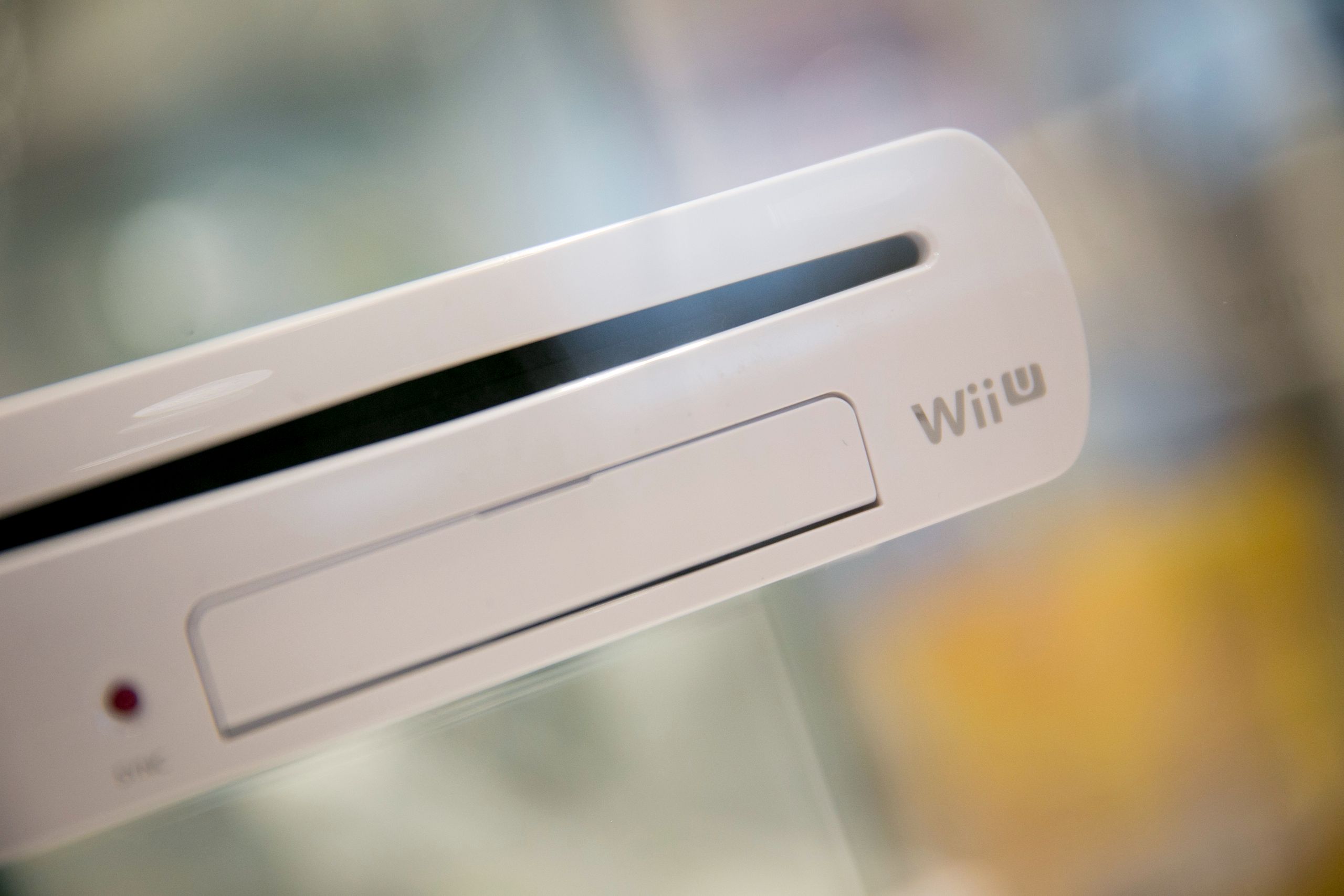
(Image credit: Getty / Bloomberg) The Peaceful Outcome, a retro gaming solutions provider, has announced an SSD upgrade kit for the Wii U, allowing owners to increase the storage on their console from 8GB or 32GB to 1TB or higher. You get the kit for $21.99 on the TPO shop. It lets you internally attach a SATA or NVMe M.2 drive of various sizes so you can directly load your games on your Wii U without needing an external drive or to swap out DVDs. It also comes with a USB port that lets you transfer files to your SSD without needing to disassemble your console again.The m.22WiiU now supports NVMe drives as well as SATA.https://t.co/uzJbRLHJSBFor clarity, there is no improvement in speed or any other aspect going from SATA to NVMe on the Wii U. Its just going to be easier to find m.2 NVMe drives in the future, so we wanted to expand the… https://t.co/YA7QpF3KEq pic.twitter.com/Uaj7tej2OuJuly 29, 2026You can already get a 3.5-inch SATA hard drive mounting kit at the same price (or a 2.5-inch kit for $17.99), but TPO said that it created the M.2 version for longevity reasons. It also noted that SSDs won’t give you a significant performance boost on the Wii U — an SSD loads just 7.5% faster than the DVD drive and 6% quicker compared to a hard drive — but it does give you more space to save your games on the console. TPO said that this does not offer any performance uplifts versus SATA drives, but it created this anyway because of easier M.2 NVMe drive availability in the future.Note that this isn’t a straightforward upgrade — first, you have to provide your own drive, which could be one of the best SSDs you can get today or one that you already have lying around at home, and then you’ll need to break open your console to install the kit. This is the easy (and most expensive, given current storage pricing) part. Once done, you’ll need to hack into your console so that it can use the custom Aroma firmware. While there’s a complete guide on how to install it, it’s not without risk, as there’s a small chance that you could brick your device during the process.If you’ve previously purchased a drive upgrade kit from TPO in the past, you could get updated parts to upgrade your current kit at shipping cost. All you need to do is upgrade the firmware on your interposer board, and you should be good to go.While the Nintendo Wii U already accepts external drives, installing this upgrade kit will give your console more storage without needing to have a bulky drive hanging outside it all the time. This upgrade is more for aesthetics, but if you’re willing to accept the risk of (or already have) homebrew software, then finding a way to have a “permanent” storage upgrade on your Wii U is a no-brainer. Follow Tom's Hardware on Google News, or add us as a preferred source, to get our latest news, analysis, & reviews in your feeds.Get Tom's Hardware's best news and in-depth reviews, straight to your inbox. Jowi Morales is a tech enthusiast with years of experience working in the industry. He’s been writing with several tech publications since 2021, where he’s been interested in tech hardware and consumer electronics.
$21 Nintendo Wii U upgrade lets you add TBs of storage to your console with an M.2 or SATA SSD — upgrade makes console slightly faster, but requires Homebrew and custom firmware
Full Article
Original Source
Read the full article at Tomshardware →KhanList aggregates and links to publicly available news content. We do not host full articles from third-party sources. Always verify important information with original sources.